A long list of specs does not automatically mean performance, in the field. Things like magnification, sensor resolution and detection claims can pull attention away from the questions. Think about what you need to see how away the target is, how long you will carry the gear and how the scene will look as the light fades. Start with your use case check handling, image quality and reliability.
Start with the observation task
Be clear about the job. Are you scanning an area checking a trail watching animals from a fixed spot identifying details at a distance or observing movement after dark? These tasks may overlap,. They don't need the kind of instrument.
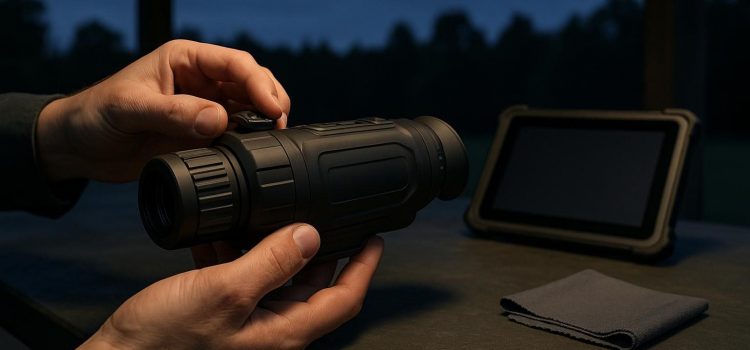
Binoculars often work well for daytime observation because using both eyes feels natural and supports comfort and depth perception. A small monocular may be better for checks walking or when one hand must stay free. The main tradeoff is comfort versus portability.
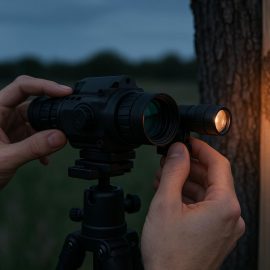
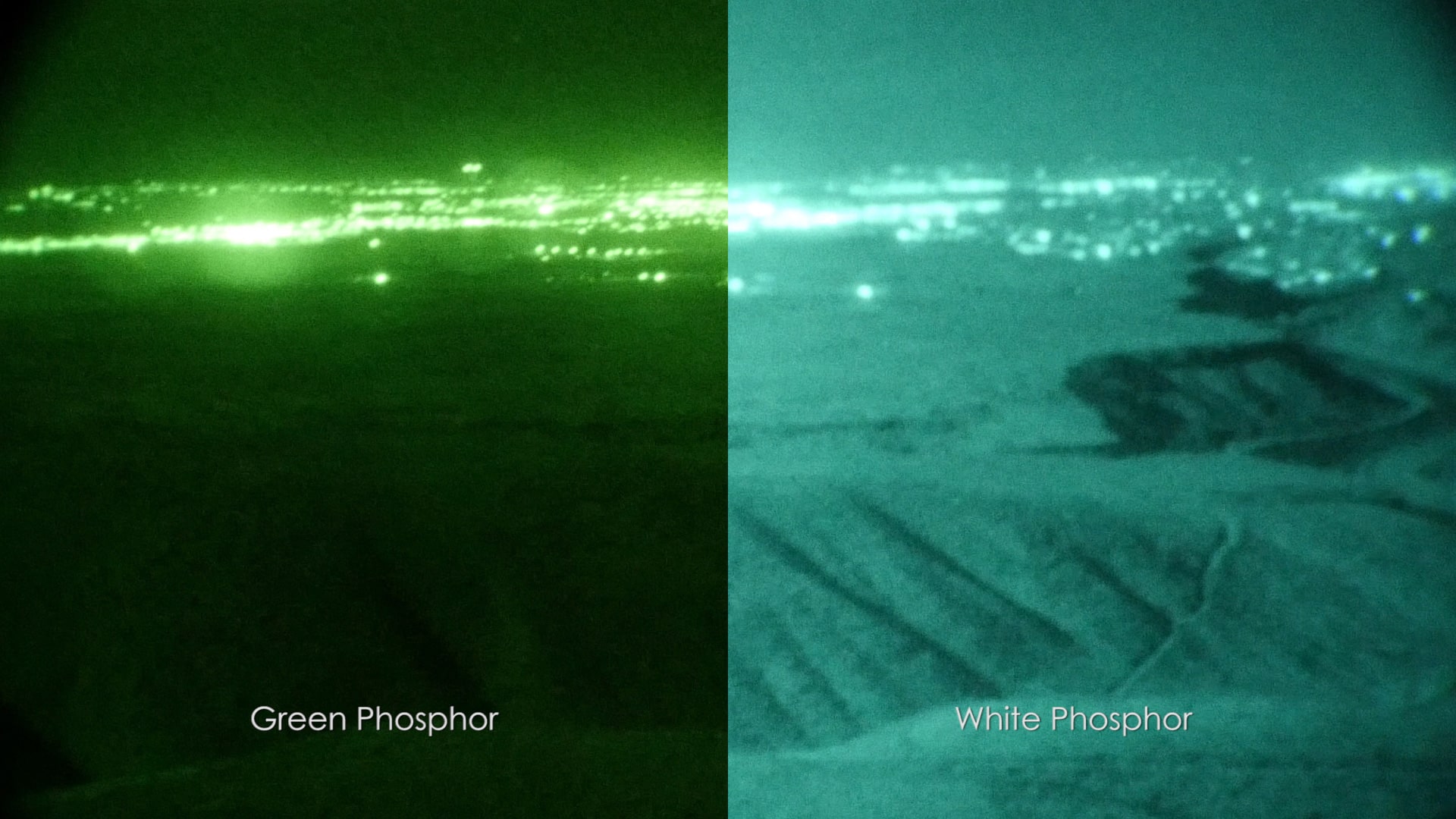
Night vision and thermal imaging solve problems. Night vision gives a recognizable image when some light is present. Thermal imaging shows heat differences, not surface details. It can help find a body against a background but it may not give enough context to identify something confidently. Neither system removes the need to understand the terrain, weather and safe viewing distance.
For a rifle-mounted setup look at the night-vision scope as a system. Where it mounts, how the controls are placed, eye relief, balance and how smoothly it adjusts all matter much as the image itself. Any use with a firearm must follow laws, land rules and safety standards. Since these can change, always check guidance before use.
Treat specifications as clues, not verdicts
A spec sheet helps options not make the choice. Higher magnification makes distant objects look bigger. It also narrows the field of view and makes it harder to follow movement. A wider field helps with scanning. Makes distant objects seem smaller. The right balance depends on how fast the scene changes and how closely you need to inspect it.
Resolution is another trap. More detail listed doesn't mean an image if the lens, display, processing, focus control or conditions limit performance. Low light, haze, rain, branches and reflective surfaces can affect the view in ways numbers can't predict. Check if detail stays visible at the edges of the image if fine features disappear in high-contrast scenes and how quickly the display reacts when you pan.
Weight deserves attention. A device that feels light for five minutes can become uncomfortable during a session. Check where the weight sits whether the focus ring is easy to reach without shifting grip and whether you can find controls by touch without looking
Verify the view before trusting the device
Whenever you can look at the image of trusting marketing claims. Test in daylight and in the light you expect to use. Focus on something then switch to something and watch for lag, backlash or focus that shifts after you let go. A sharp center with a blurry edge might work for one task. It can be frustrating for scanning.
Before buying or early in ownership check for flickering, random shutdowns, bright or dead pixels uneven focus between sides, condensation behind the lens or controls that need force. A change in image quality after warming up may point to a power, display or internal connection issue. Don't ignore repeated problems just because the device still works.
Test battery life under conditions not during a short demo. Make sure the battery compartment seals tightly contacts are clean and dry. The device doesn't restart when moved. Use the battery type. Charging method recommended by the manufacturer. Heat, cold and long recording sessions can reduce performance so plan for a buffer than relying on the possible time.
Match construction to the environment
Field use exposes gear to dust salt air, mud, rain, knocks and fast temperature shifts. Sealed cases, protective caps and sturdy controls help only if they match how you actually handle the device. A complex interface may offer features. Too many menus can slow things down when you wear gloves or the scene changes fast.
After use wipe off moisture and grime before opening anything or changing batteries. Don't store a device in a sealed case. Avoid harsh cleaners on lenses and coatings. If condensation appears inside controls act up. The image stays foggy stop treating it as a cleaning issue. Internal moisture can lead to corrosion and electronics damage. Follow the manufacturer's service advice than trying to heat it out.
A quick pre-trip check helps:
– Make sure lenses are clean caps and sealsre in place and focus moves
– Check battery condition charging contacts and your spare-power plan.
– Verify the mount, strap and tripod connection without forcing anything.
– Test the image at expected distances and light levels.
– Write down any flicker fogging, drift or control issues of working around them.
Make the final choice reversible where possible
If two devices fit the job choose the one you can use confidently and keep maintained. Think about return policies, service options and how easy the user manual is to understand before buying. A simpler device that feels comfortable is clear to read and works reliably may give results than a high-tech one that stays in the case.
Don't buy based on a situation. Pick what works best in your conditions then add capabilities only if they solve a limit. Reassess after a trips: if you keep missing the subject get tired fast lose trust in focus or ignore a fault the problem might be the fit, for your use not lack of skill. Outdoor optics earn their place by helping you see safely consistently.